
Hand over the next property on the mowing run through AxiomBlue records
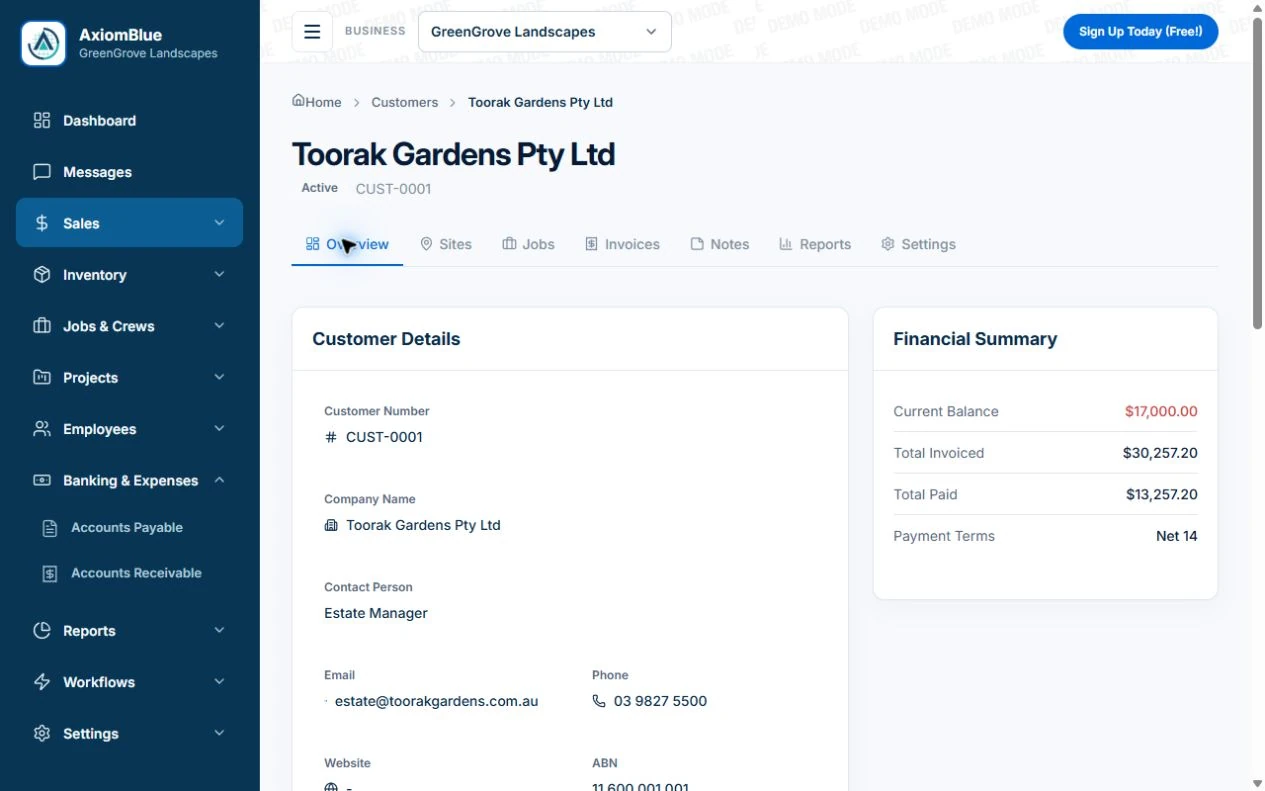
- Create the AxiomBlue customer and each property/site. Keep the owner, visit contact and payer clear, with the mowing areas and clipping arrangement in the agreed quote or work record.
- Put today’s gate/access instructions, excluded rear area and service tasks in the visit job’s Description/Tasks. Professional Job Series can supply repeat visits; verify that the current instructions are on the worker’s actual job.
- Use the job to record blocked access, completed areas and the requested extra pruning. Ask a replacement worker to find this outcome before the next mow; price/approve the additional pruning before treating it as included or billable.
Put the property and standard visit in plain terms
Identify the areas included, edging and cleanup, and whether clippings are removed or handled another agreed way. Keep garden projects or specialist treatments separately scoped. Confirm the payer and who can approve extra work when a tenant or property manager arranges access.
Retain the details that change a workable visit
Note gate or access constraints, relevant obstacles and the customer’s agreed arrangements for pets or parked vehicles. Restrict sensitive information appropriately. Keep the current instruction separate from a historical issue that has already been resolved.
- Property and payer reference
- Included lawn areas, edges and cleanup
- Clippings arrangement
- Current access and relevant obstacles
- Last visit outcome and next action
Test the handover after a wet or inaccessible visit
Illustrative case: the backyard is inaccessible but the front is completed. Record the actual work and the unresolved area. Confirm whether to return, adjust the visit or skip the remainder under the agreement. Review billing separately rather than treating the original recurring date as proof of a full mow.
Make the next visit usable from the field account
Keep lasting site detail separate from today’s scope and unresolved tasks. In AxiomBlue, the separate customer-site notes field is available in the web app; put the instructions needed by a native-app worker in the job description or tasks. Verify access from the worker’s account. Uploads need Basic or Professional; Free has customer and usage limits.
Restrict sensitive access information and share only what the person needs. Check current details with the customer instead of carrying an old instruction into every future job. Professional adds crew management and recurring job series where those suit the work.
Sources: Protect customer information
Common questions
Questions about this process
Does a repeating job prove the whole property was mowed?
No. Record the actual areas completed and any exception. The recurring pattern sets the planned visits; the job outcome explains what happened.
Put it to work
Your practical checklist
- Identify property, approver and payer.
- State included areas and clippings handling.
- Keep access and obstacle details current.
- Record partial, moved and skipped visits.
- Give a replacement worker the current instruction.
See the records in Axiom Blue
Try the workflow with a familiar job.
Features and usage limits vary by plan. Review the tools relevant to your process before choosing your setup.