
Hand over a replacement cleaner’s visit through AxiomBlue records
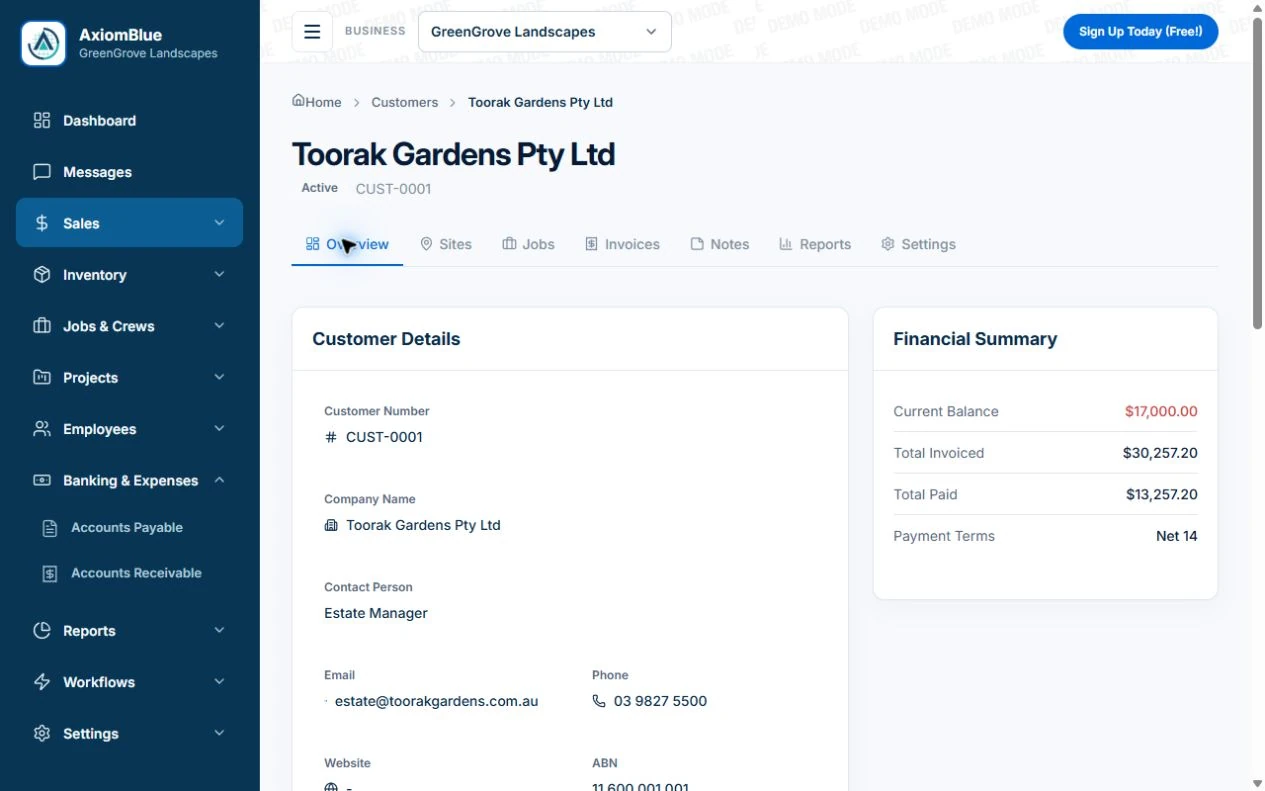
- Create the AxiomBlue customer and each property/site. Record the service/billing contact and keep sensitive access detail in your controlled process; the separate site-notes field is available in the web app.
- On the visit job, put agreed rooms, exclusions and entry instructions in Description and Tasks for native-app access. On Professional, check these on the individual Job Series visit, not only the series label.
- Open the job from the replacement cleaner’s account. Tick only work performed, record the occupied room or failed access in the job and add relevant proof on Basic/Professional. The office can then review the correct outcome before billing.
Keep the customer and each property distinct
Confirm the contact who books, the person who grants access and the payer. One client may have a home, office or several managed properties. Give the job the correct address and service reference instead of carrying instructions from another property.
Make the finish standard specific enough to check
List the agreed rooms or areas and tasks, including exclusions and any approved additional work. Note relevant surface or product restrictions through your safe-work process. Keep personal and sensitive information out of broadly visible notes where it is unnecessary.
- Property and service reference
- Booking, access and payer contacts
- Agreed tasks and exclusions
- Restricted access arrangements
- Visit result, issue and next action
Try the record with a changed cleaner or missed entry
Illustrative case: a replacement cleaner attends a fortnightly office clean but cannot access one room. Record what was completed, the unavailable area and the person who will resolve it. Check the agreement before billing the exception. A general completed label should not conceal the missing part of the service.
Make the next visit usable from the field account
Keep lasting site detail separate from today’s scope and unresolved tasks. In AxiomBlue, the separate customer-site notes field is available in the web app; put the instructions needed by a native-app worker in the job description or tasks. Verify access from the worker’s account. Uploads need Basic or Professional; Free has customer and usage limits.
Restrict sensitive access information and share only what the person needs. Check current details with the customer instead of carrying an old instruction into every future job. Professional adds crew management and recurring job series where those suit the work.
Sources: Protect customer information
Common questions
Questions about this process
Should keys and alarm codes be in every job description?
Restrict sensitive access information to the people who need it and use your controlled access process. Put only the appropriate visit instructions in the job, then verify the worker’s view.
Put it to work
Your practical checklist
- Identify the property and relevant customer roles.
- Keep entry information restricted and current.
- State tasks, exclusions and quality checks.
- Record missed access and incomplete areas.
- Test the replacement cleaner’s phone view.
See the records in Axiom Blue
Try the workflow with a familiar job.
Features and usage limits vary by plan. Review the tools relevant to your process before choosing your setup.