
Prepare the bill for the building stage claim in AxiomBlue
- Open the fixed-price AxiomBlue job on Professional. Check its contract/Billing record, approved Variations and Payment Schedule where used against the actual contract’s stage and claim evidence.
- Open New Claim and use the applicable amount, percentage or milestone basis. For the illustrative reconciliation, compare $22,000 cumulative agreed value with $12,000 previously invoiced; inspect the preview for the $10,000 next amount.
- Review retention, other contractual adjustments and the client reference before creating the draft. Check the issued claim and payment records separately; AxiomBlue calculations do not determine statutory or contractual entitlement.
Use the actual contract to decide what can be claimed
Confirm the stage, milestone or other agreed basis and what evidence is needed. Local payment and contract requirements need their own review. A percentage entered in software is not proof that the stage is ready or that every payment-claim requirement is satisfied.
Review changes before they enter the commercial total
Keep the requested change, scope, price, time effect and approval together. A changed cost estimate is not an approved variation. Check whether a variation belongs in this claim and whether retention or another contractual adjustment applies; do not infer its treatment from a generic example.
Reconcile a simple illustrative claim without retention
Assume the agreed cumulative value ready for this claim is $20,000 and a separately approved change adds $2,000, all excluding GST. If previous invoices total $12,000 of that value, the next amount is $10,000 before GST. This example excludes retention and other adjustments; use the actual contract for them.
| Illustrative claim reconciliation | Amount excluding GST |
|---|---|
| Cumulative agreed value for this claim | $20,000 |
| Approved change included in this claim | $2,000 |
| Cumulative total | $22,000 |
| Previous invoices against that value | $12,000 |
| Next amount before other adjustments | $10,000 |
Check the record in the required product plan
AxiomBlue Professional supports fixed-price progress billing and variations alongside project and job records. Inspect the billing preview and contract total with a sample stage and change. The product supports the calculation and record; it does not decide your contractual entitlement to payment.
Review the draft, recipient and balance before sending
Check the agreed price, approved extras, previous invoices, payments and any disputed amount. Verify the payer and required invoice reference. Confirm GST treatment for your registration and supply, and check the ATO requirements for the document. Issuing an invoice and receiving payment are separate events.
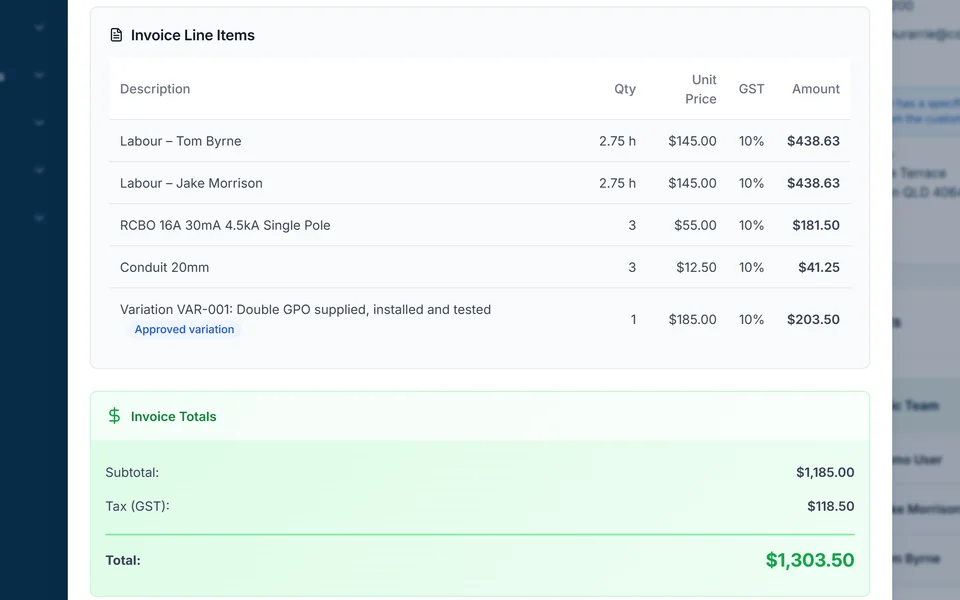
AxiomBlue connects quotes, job records and invoicing. Review the job’s billing method and draft rather than assuming every recorded cost is a customer charge. Core invoicing is available on Free within its limits. Professional adds variations and advanced billing processes; online sending and payments need a connection.
Sources: ATO tax invoice requirements
Common questions
Questions about this process
Is a progress invoice proof that the client has paid?
No. Keep the claimed amount, invoice status and payment record separate. Review any certification, dispute or adjustment through the process required by the agreement.
Put it to work
Your practical checklist
- Verify the contract’s claim basis and evidence.
- Include only the changes approved for this claim.
- Reconcile cumulative value and prior billing.
- Review retention or other adjustments under the contract.
- Check the payer, document and outstanding balance.
See the records in Axiom Blue
Try the workflow with a familiar job.
Features and usage limits vary by plan. Review the tools relevant to your process before choosing your setup.